

Leads without a source
Contacts arrive marked “organic search,” with no page or topic attached.

What we do
Services / SEO
Find the search work that fits your site, market, and next customer.
Services
Pick the search work that brings you customers.
Scroll the list to see all 15 services.
Content Marketing
Words and pages that turn a search into a customer.
Industry
Search work built around how your customers buy.
Technology
Get more customers from the platform you already run.
Services / Web Development
Build a clear, fast site that gives visitors a useful path from interest to action.
Services / Paid Advertising
Connect ad spend to the pages, audiences, and actions that matter.
Services / Email Marketing
Give customers a reason to open, respond, and come back.
Services / AI Automation
Build useful systems around the work your team already does.
Services / Branding & Design
Make the business recognizable across the places customers meet it.
Services / Social Media
Create a presence that helps people understand and remember your business.
Machina — Marketing that moves numbers.
Start a free strategy callCentral Coast & Local
Nineteen industries
One growth engine.
Design, advertising, development, and marketing built for the sectors driving what comes next — AI, fintech, health tech, and beyond.
Machina — Marketing that moves numbers.
Start a free strategy callSee which searches became customers, then get more of them.
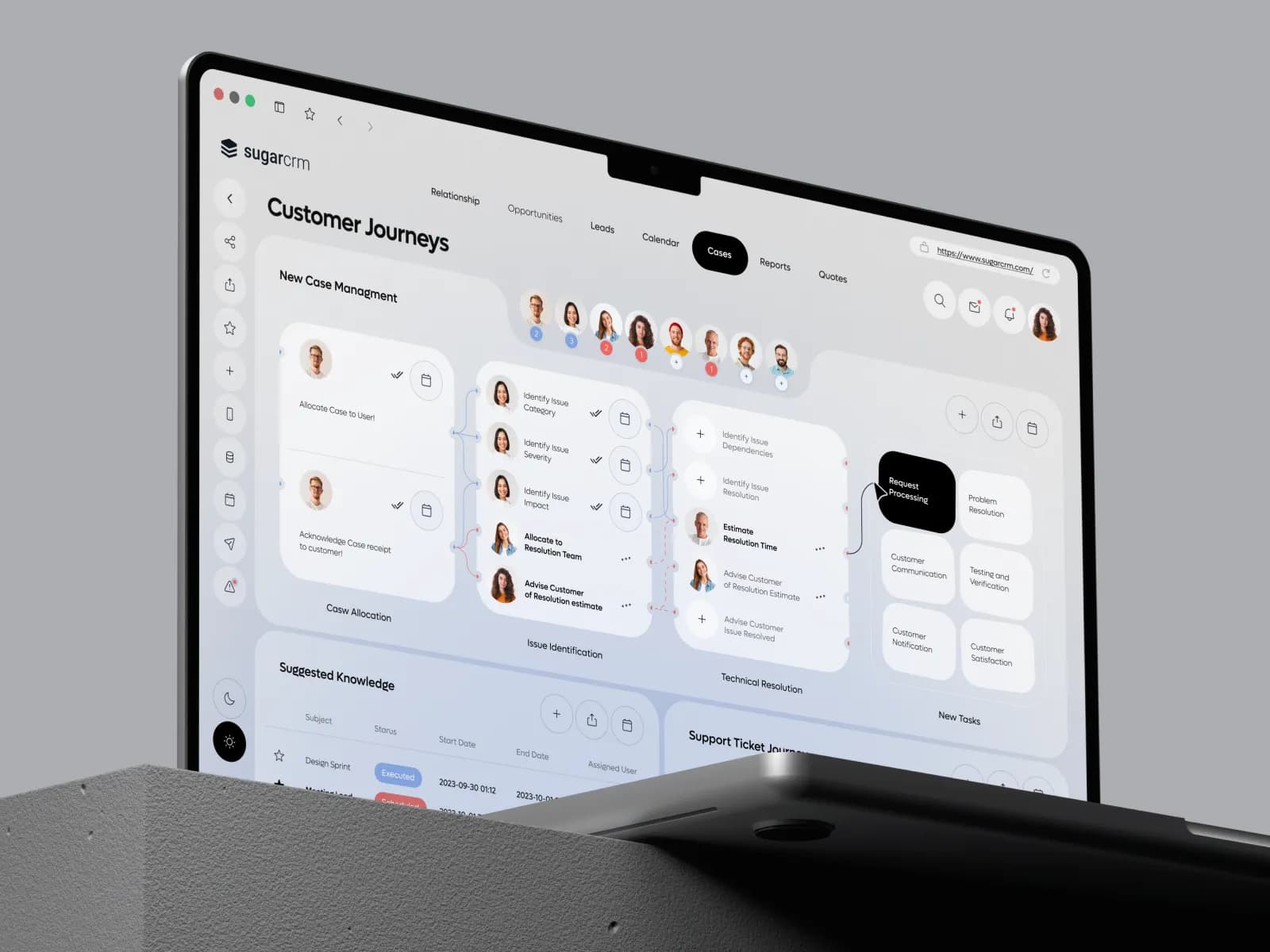
HubSpot knows every lead by name. We bring more of the right ones to the site through search, and use the CRM to show which pages and searches produced customers.
No cost and no commitment.
The search problem
A HubSpot portal fills up over the years: landing pages from old campaigns, blog posts on every topic, three forms that ask the same questions. Leads arrive, and nobody can say which search or which page brought the ones that closed. So next quarter’s content is planned by guesswork.
We sort the pages by the job each one does, fix the settings that confuse Google, and use HubSpot’s own records to tie each lead to the search that started it. The plan then follows the pages that produce customers.
In plain terms
HubSpot is a sound platform for SEO, with one advantage most others lack: the website and the CRM share a database. Each page sets its own address as the preferred one by default, the sitemap is built for you, and redirects are managed in one place. Its real strength is that a visit from search can be followed to a contact, a deal and revenue.
The trouble is usually clutter. Old campaign landing pages stay indexed and compete with service pages. Blog listing pages get no preferred address by default, and pointing them all at page one can hide older posts from Google. HubSpot’s own guidance also warns against blocking a page in the robots file and marking it “noindex” at the same time, since Google then cannot see the tag. For the leads side of the work, see B2B SEO.
Contacts arrive marked “organic search,” with no page or topic attached.
Landing pages from past offers rank beside your main pages, or above them.
Articles get read, and readers never reach a form.
Every form asks for ten fields, whatever the visitor came for.
Every page is labeled as a service page, an article, a campaign landing page or a resource. Old campaign pages are retired or kept out of Google, so they stop competing with the pages meant to rank.
We review canonical settings, account-wide and on key pages, along with the robots file, redirects and language versions. Blog listing pages are set so Google can reach every post.
Topics are grouped around what you sell, each article links to the right service page, and each form asks only what the visitor’s stage justifies.
We set up reporting that ties each contact’s first page and search source to deals and revenue. Each month you see which pages produced customers, and the plan follows them.
Check it yourself
HubSpot already holds the most valuable SEO report you could ask for, and few teams build it. Every contact record stores the first page that person saw and where they came from. Joined to deals, that tells you which pages start customers.
Run it once and the content plan changes. A handful of pages usually accounts for most of the closed revenue from search, and they are seldom the ones with the most traffic.
What you get
The readout
We record a baseline before we change anything, then read search visibility beside the actions that pay the bills.
Pricing
Three ways to invest in your business showing up when buyers search. Each package is billed monthly, month to month, and each one includes everything in the one before it.
The work every site needs, done properly and kept up every month.
$1,000a month
Month to month
We recommend
Foundation, plus the pages, articles and links that reach more of your buyers.
$2,500a month
Month to month
Growth, plus press outreach, more markets and reporting that follows each lead to revenue.
$5,000a month
Month to month
The price changes only when the scope does, such as a very large catalog, many locations or a move to a new platform, and we agree any change in writing before the work starts.
Questions
A review of your pages and settings in HubSpot, a cleanup of old and competing pages, a topic plan tied to your services, on-page work on the pages that matter, and reporting that follows a search visit to a deal.
No. Many companies run the main site elsewhere and use HubSpot for forms, landing pages and the CRM. We work with the setup you have, and recommend a move only when it would solve a real problem.
Yes. Search Console shows which searches bring visitors, and HubSpot shows who those visitors became. Used together, they tell you which searches produce customers.
Yes. Moving a site onto HubSpot or off it changes addresses and templates, so we map every page, set the redirects and check the result, as with any migration.
Cleanup and on-page fixes usually show first. New topics take longer to rank. Because HubSpot records the source of every lead, you see the effect on leads and deals as it builds.
Keep exploring
Show us the portal. We will show you which pages have been producing customers, and which are in their way.
Prefer email? Write to hello@wearemachina.com
Prefer to talk? Call (831) 230-7787




No cost and no commitment.
We use cookies and analytics to understand how visitors use our site and improve your experience. Privacy Policy · Do Not Sell or Share My Personal Information